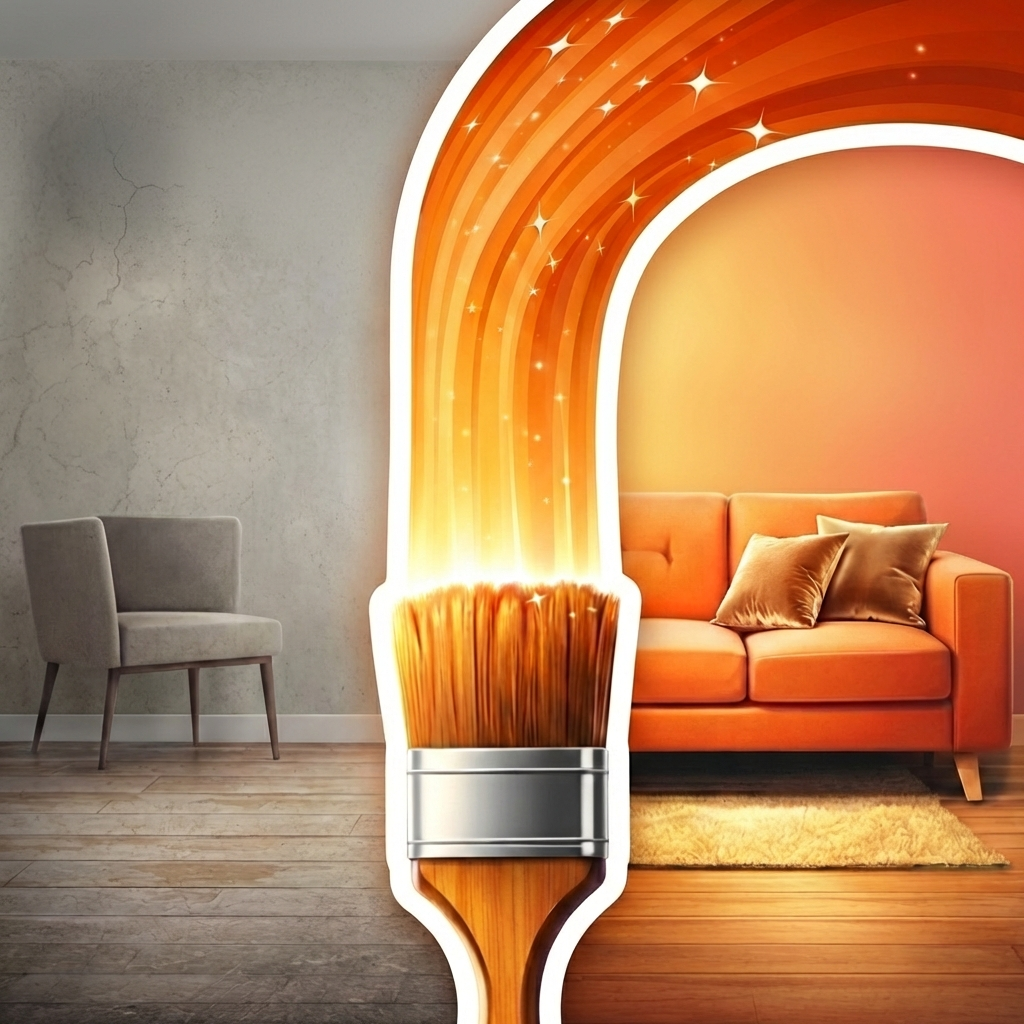
Decorate
Any space in one flow
One-screen AI design studio that works on your real space — not a template. Pin changes to exact spots, compare before and after, iterate version by version. Keep what you love, change what you don't.


Replace @1 with a rattan pendant light, swap @2 for a marble console table — warm Scandinavian throughout.


 @1
@1
 @2
@2
Replace @1 with this armchair including the ottoman, swap @2 color to this shelf's color — keep the rest as-is.

Your AI actually listens
Other apps ignore your instructions. Decorate changes exactly what you ask — nothing more, nothing less.
Global prompts change too much
You love your hardwood floors but want new walls. Other apps change everything — windows, doors, structure, the pieces you want to keep. You waste credits on results you never asked for.
Point at exactly what to change
Spot Edit lets you pin changes to precise locations. Describe what goes there, attach a reference photo, and keep everything else intact. One screen, surgical precision.
From photo to decorated in seconds
Rooms, patios, gardens, facades — any space you can photograph
Capture any space
Snap your room, patio, garden, or facade. Decorate works on your actual space — not a random stock photo.
Prompt or pin spots
Describe your vision globally, or pin Spot Edits to exact locations with instructions and reference images.
Compare and iterate
Slide between before and after. Refine with new prompts, add more spots, restyle globally. Ideas you can actually use — each version builds on the last.
Pin changes to exact spots
The precision other design apps can't match. Tell the AI exactly where and what to change.
Tap to place spots
Pin up to 8 spots on your image. Each spot targets a precise area for the AI to transform while keeping everything else intact.
Describe each change
Write detailed instructions per spot. "Replace with a mid-century walnut sideboard" is all the AI needs — no reference photo required.
Attach reference images
Have a specific piece in mind? Attach a reference photo to any spot for visual precision. The AI matches your vision.
Combine with global restyle
Spot-level swaps plus a global prompt in one generation. Replace the sofa and redecorate the whole space Scandinavian — simultaneously.
Everything in one workspace
No tab hopping. No context switching. Just continuous creative momentum.
One-Screen Studio
Prompt, generate, compare, retry, and browse history without ever leaving the workspace.
Before / After Slider
Interactive comparison between your original space and the decorated version. Visualize before you commit.
Version Timeline
Every iteration saved chronologically. Track your idea evolution and pick the best outcome — no credits wasted on do-overs.
Share and Copy
Native share sheet and clipboard copy for easy collaboration, social posting, or saving transformations.
Project History
Reopen any prior project and all its versions. Your design sessions persist across days and weeks.
Dark Mode
Full light and dark theme support. Match your system preference or choose manually. Design day or night.
Clear, honest pricing
Start free. No surprise charges. Upgrade when you're ready.
Free
- Global prompt decoration
- Before / after slider
- Version timeline
- Project history
- Share and copy
Pro
- Everything in Free
- Spot Edit with reference images
- 10 weekly credits
- Weekly, monthly, or yearly billing
- Priority processing
Need a creative burst? Top up with 25, 50, 100, or 200 credits anytime. Top-ups never expire.
Common questions
See what your space could look like
Rooms, patios, gardens, facades. Pin exact changes with Spot Edit or redecorate globally. Visualize before you commit — every version saved, every detail compared.